
New features
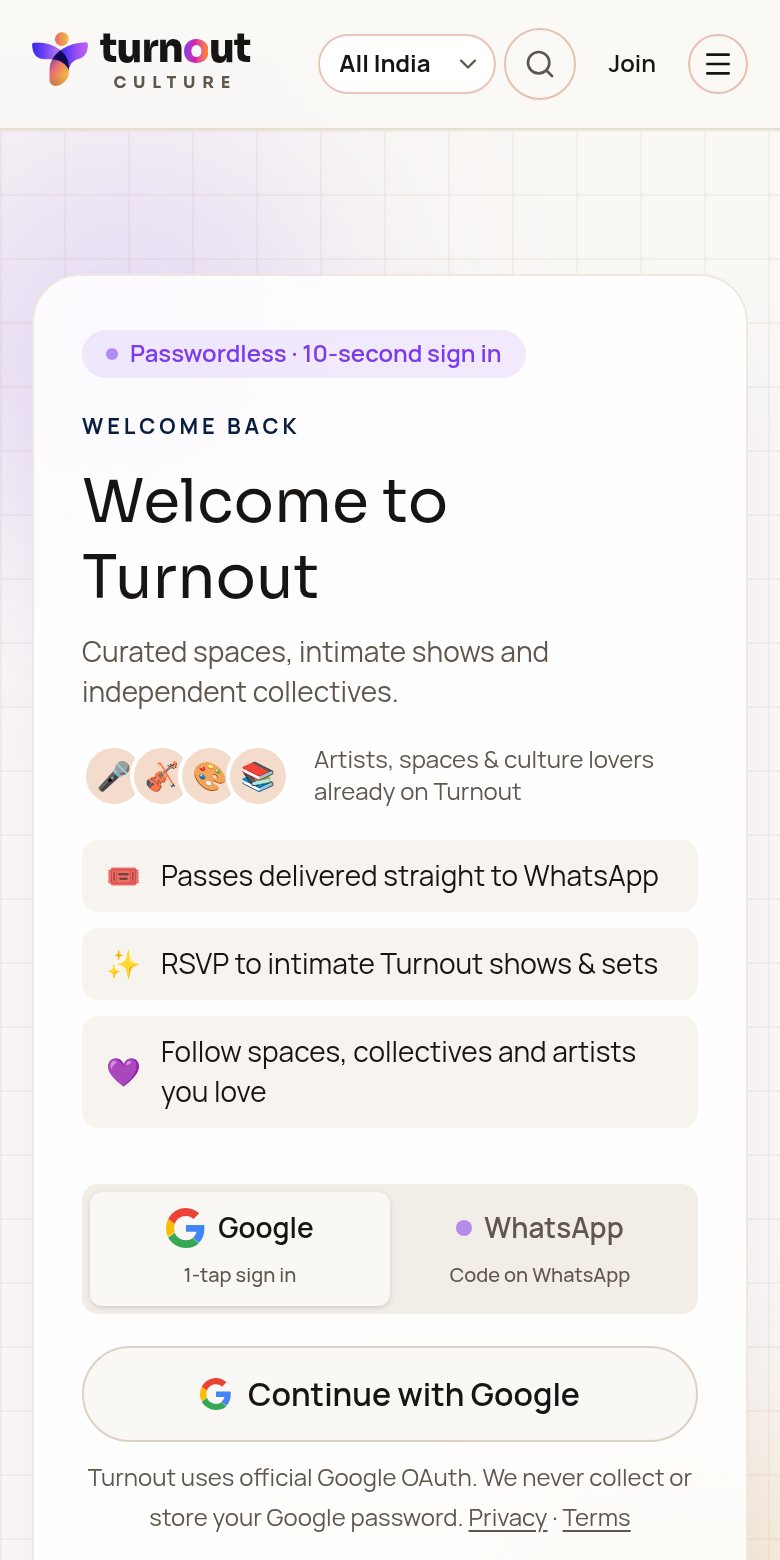
WhatsApp & Google sign-in
Sign in with Google or a 6-digit WhatsApp code. Separate provider identities are not automatically merged.
How it works
- 1Enter your 10-digit Indian mobile number
- 2Get a 6-digit code on WhatsApp (valid 5 minutes)
- 3Paste or type it — the boxes fill automatically
- 4Finish your name, username, city and interests in My Turnout → Details
Safety limits
- 1Wait 30 seconds before asking for a new code
- 2At most 5 codes per number per hour
- 35 wrong tries locks the number for 15 minutes
- 4Only the latest code works
Staying signed in
You stay signed in for 30 days of inactivity on that device. Any visit resets the clock.
Booked a ticket as a guest? Sign in with the same phone number and it appears in your bookings.
Was this guide helpful?