
Playbooks
Adding a new event
From idea to live ticket page: import, schedule, tiers, UPI, approval and promotion.
1. Start
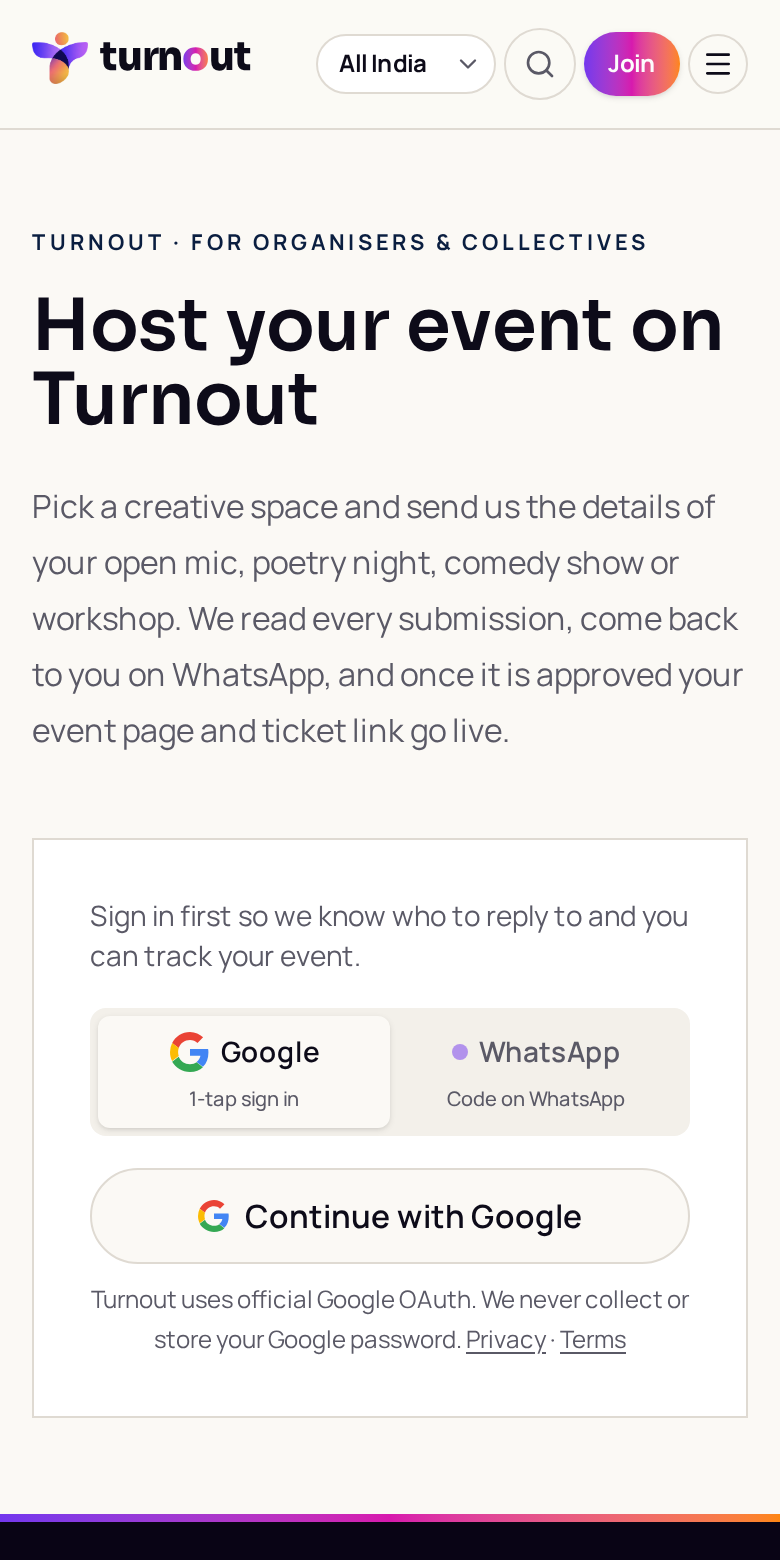
- 1Open Host an event (/host), or My community → Events → Propose
- 2Sign in with Google or WhatsApp so the venue can reply to you
2. Import or type it in
- 1Paste a BookMyShow, District, Insider or Instagram link, or WhatsApp invite text
- 2Some fields may prefill; review all imported dates, prices and artwork
- 3Or fill the form by hand
3. Space, schedule and format
- 1Pick the venue, date and start/end time
- 2Ask the venue team to configure In person, Online (private join link) or Hybrid
4. Tickets
- 1After review, authorised event managers configure tier name, price, description, capacity and sales end
- 2Add performer slots with their own price and cap
- 3Set a tier to ₹0 for free passes that confirm instantly
5. Payments
Payments go straight to the UPI ID on your community profile. Add a different UPI ID on the event only if this night should be paid elsewhere.
6. Approval and launch
- 1The venue reviews and publishes it
- 2Once live, open Promote for WhatsApp invites and performer callouts
- 3Share story cards and the event link everywhere
Try it · Launch checklist
0 of 6 done
Was this guide helpful?